
Contents of this guide
The shortlist
Our top 3 for software buyers

Shippo
Fast first label
- Best for
- small sellers wanting discounted rates with quick setup
- Features
- 5 noted: Rate comparison, Label printing, Store sync, Shipping API, Return labels

EasyPost
One shipping API
- Best for
- developers embedding shipping and rate shopping into software
- Features
- 5 noted: Shipping API, 100+ carriers, Rate shopping, Tracking webhooks, Wallet carriers

Pirate Ship
No monthly fee
- Best for
- low-volume US sellers shipping mainly by USPS and UPS
- Features
- 4 noted: USPS and UPS, Bulk labels, No subscription, Return labels
Disclosure for this guide. All 8 tools here are unpaid editorial picks. The position of a paid listing can be part of what the vendor pays for. Paid and unpaid tools are scored on the same rubric and keep their cons. Details are in the advertising disclosure.
The ledger
Index of every tool
| Tool | Free plan | Trial | Rubric | Compare | ||
|---|---|---|---|---|---|---|
| 01 | Shipposmall sellers wanting discounted rates with quick setup | FreeStarter, up to 30 labels per month, 1 user loginChecked Nov 25, 2026 | Free Starter plan | Free plan available | ||
| 02 | EasyPostdevelopers embedding shipping and rate shopping into software | See websitecustom quoteCustom quote | Free signup | Contact sales | ||
| 03 | Pirate Shiplow-volume US sellers shipping mainly by USPS and UPS | See websiteNot published | Yes | No subscription needed | ||
| 04 |  Easyshipcross-border sellers needing couriers, customs, and duties | See websiteNot published | Yes | Free plan available | ||
| 05 | Ordorosellers combining shipping with inventory and dropshipping | $59Essential, per month, 100 labels, 1 userChecked Nov 25, 2026 | Yes, free Shipping plan | 15-day free trial, no card required | ||
| 06 | ShippingEasysmall US sellers wanting light automation and a low entry price | See websiteNot published | Yes | Free plan available | ||
| 07 |  Veeqomultichannel sellers wanting free shipping and inventory tools | FreeShipping plan, no monthly fee, unlimited users and shipmentsChecked Nov 25, 2026 | Yes, free Shipping plan | 30-day free trial | ||
| 08 |  ShipHerogrowing brands running in-house warehouse operations | $15,000Core, per year, billed annuallyChecked Nov 25, 2026 | No | Demo only |
Prices are the lowest paid plan the vendor shows, read on November 25, 2026. Sort by price ranks published monthly figures; tools without one go last. Pin up to three tools to compare them side by side.
How this guide was put together
The rubric weights carrier coverage at 25 percent because access to the carriers a seller actually uses determines whether a platform works at all. Pricing clarity gets 20 percent, automation depth gets 20 percent, channel integrations get 20 percent, and warehouse fit gets 15 percent. Each tool scores from 1 to 10 on every criterion, and the scores are a reading aid, not the order of the list. The order is editorial: fit for the buyer each entry describes, plus any disclosed Featured position.
Prices and plan facts come from vendor pricing pages checked on November 25, 2026. Where a page returned no content or a figure could not be confirmed, this article says so rather than filling in a number. Where a vendor lists a custom quote, the entry says pricing is on the vendor site and does not guess. Every review uses the same fact set: start price, plan note, free plan, trial, features, strengths, and weaknesses.
This list includes no Featured placement this month. Where a listing is marked as Featured, that placement is paid, and the tool is scored with the same rubric as every other entry. A Featured label does not change the scores, and it does not hide a con. Readers should confirm current prices, label caps, carrier coverage, and contract terms before switching, because shipping costs sit on top of software subscriptions.
The full process, including how we handle corrections, is on the methodology page. Paid listings follow the advertising disclosure.
Rubric and weights
Every tool below is scored from 1 to 10 on these five criteria. The scores describe each tool; the order is an editorial call on fit for the buyer each card describes, plus the disclosed Featured position.
- 25%Carrier coverageHow many carriers and services a seller can reach without adding another tool.
- 20%Pricing clarityHow easy it is to see the software fee, label limits, and postage costs before buying.
- 20%Automation depthHow much repetitive order sorting, routing, and label work the platform removes.
- 20%Channel integrationsHow well the tool imports orders from stores and marketplaces a seller already uses.
- 15%Warehouse fitHow far the product supports receiving, inventory, pick, pack, and multi-location work.
Plate 01 of 08
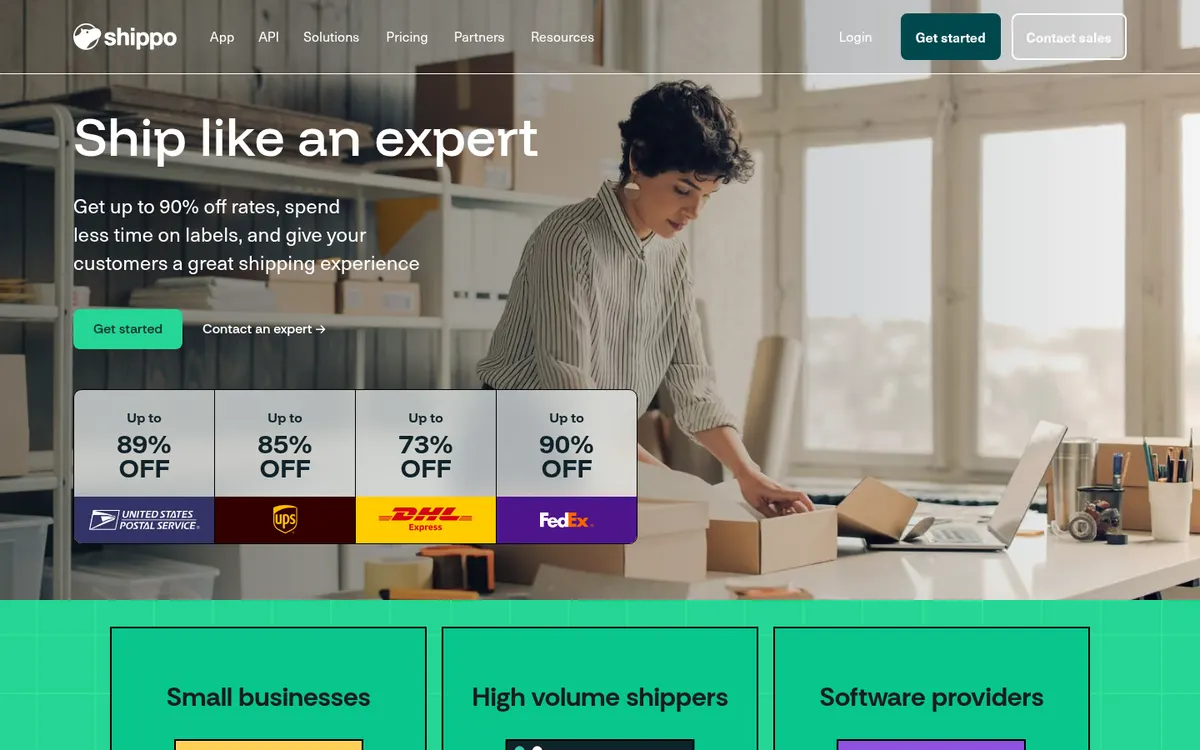
Shippo
Best for small sellers wanting discounted rates with quick setup
Our verdict
A fast, low-cost start for small sellers, but Shippo trades warehouse depth and advanced returns for simplicity.
Shippo fits the seller who wants a short path from store connection to first printed label. It compares multi-carrier rates at label time, imports orders from connected stores, and lets you buy and print labels without building carrier integrations. The free Starter plan covers up to 30 labels per month and one user login, enough to test demand for a new store but not enough for steady volume. Paid tiers add automation and branded tracking pages, while returns are label-based rather than a full returns portal.
The pricing model is software subscription plus postage. Shippo lists a free Starter tier, and the lowest paid Pro plan shows $17/mo. Postage sits on top of any subscription, so the real cost per order depends on carrier rates and label spend. Confirm current tier limits and label pricing before committing, because monthly label caps on the free tier limit growth. The shipping API is a useful escape hatch for teams that later build custom flows, but it is not required for a basic store.
Strengths are setup speed, a free entry tier, and an API option for custom builds. Weaknesses are that automation and branded tracking sit behind paid plans, returns are simpler than a dedicated returns portal, and the free label cap will frustrate a growing store. It suits small sellers wanting discounted rates with quick setup. It does not suit a warehouse that needs deep inventory, pick and pack, or multi-location stock control.
For a buyer comparing ShipStation alternatives, Shippo is the least intimidating start. A store can connect, print a label, and learn what postage really costs before paying for automation. The trade-off is depth: if you need supplier management, warehouse workflows, or a full returns portal, you will outgrow it quickly. Treat the free plan as a test and the Pro plan as a small seller's production tier, then recheck the label cap as volume rises.
What works
- Quick store connection and label setup
- Free tier to test demand
- Shipping API for custom builds
What to weigh
- Automation and branded tracking are paid features
- Returns are label-based, not a full portal
- Free label cap limits growth
Pick it if
You want to connect a store, compare rates, and print labels in a day without a monthly commitment while you test volume.
Skip it if
You need multi-location inventory, supplier portals, or a full returns portal from day one.
Plate 02 of 08
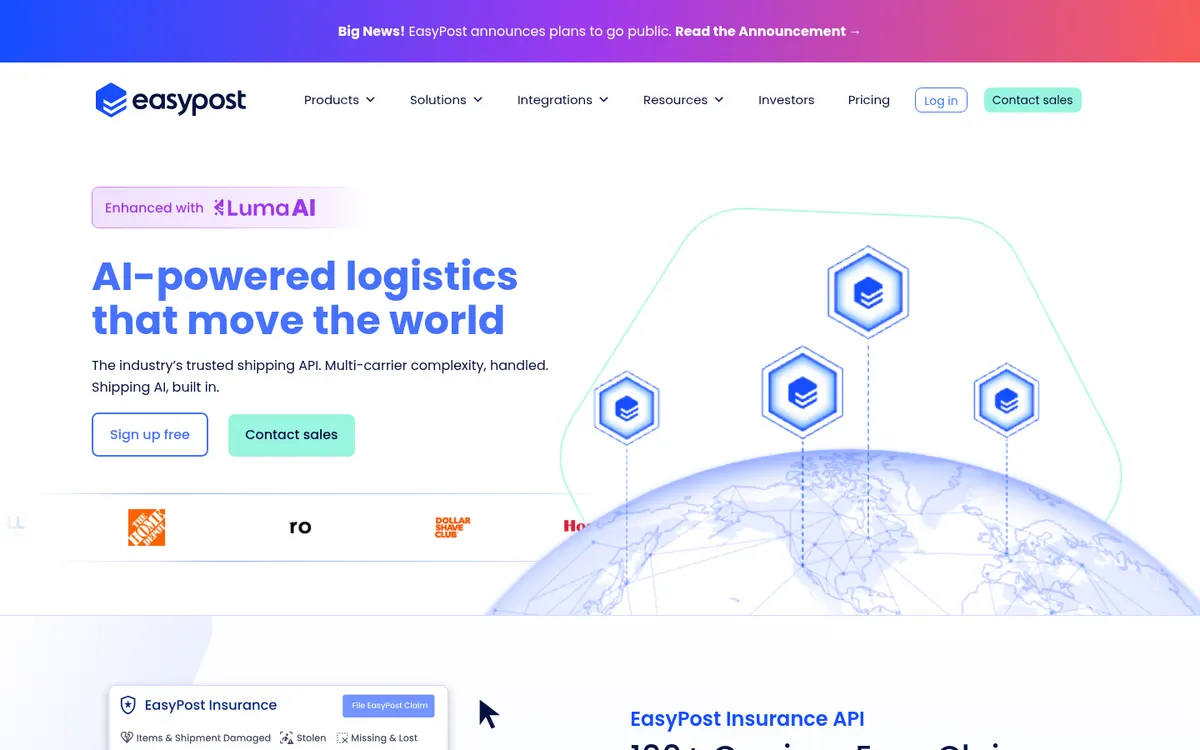
EasyPost
Best for developers embedding shipping and rate shopping into software
Our verdict
The strongest API-first choice for developers, though non-technical teams will need outside help and a custom quote.
EasyPost is built for developers who need to embed shipping inside software. It offers a single API spanning rates, labels, and tracking, with a carrier network of more than 100 providers. Rate shopping happens across connected carriers, label creation is handled through the API, and tracking webhooks push status updates into your system. Wallet carriers such as GOFO and Veho help teams that do not have their own carrier accounts. Stated discounts run up to 88 percent off retail on supported carriers.
Pricing is on the vendor site and is custom quoted, so no public figure is confirmed here. Core shipping pricing is contact sales only, while per-shipment API rates are listed separately. Cost varies with volume and carrier mix, which means a small build and a high-volume build can see different economics. Scoping the project requires a conversation with sales, not a self-serve checkout. The API-first model also means there is no ready-made daily warehouse dashboard for a clerk to open.
Strengths are one integration replacing many carrier-specific builds, strong carrier breadth, and wallet carriers for teams without carrier accounts. Weaknesses are clear: developer-first means non-technical teams need outside help, there is no shipper-facing dashboard, and pricing is not transparent without a quote. It fits developers embedding shipping and rate shopping into software. It does not fit a small seller who wants a simple screen for printing labels each morning.
The main comparison point is control. EasyPost gives a product team a shipping layer it can shape around its own checkout, fulfillment, or marketplace logic. That flexibility is valuable when shipping is part of the product, but it becomes overhead when shipping is just a daily task. If you choose EasyPost, budget for engineering time, error handling, and carrier testing before you move live orders.
What works
- One API for rates, labels, and tracking
- More than 100 carrier providers
- Wallet carriers for teams without accounts
What to weigh
- Developer-first with no clerk dashboard
- Custom quote required
- Needs engineering time to launch
Pick it if
Your team is building shipping into custom software and needs one API for rates, labels, and tracking across many carriers.
Skip it if
You want a ready-made dashboard for a shipping clerk and no development work.
Plate 03 of 08
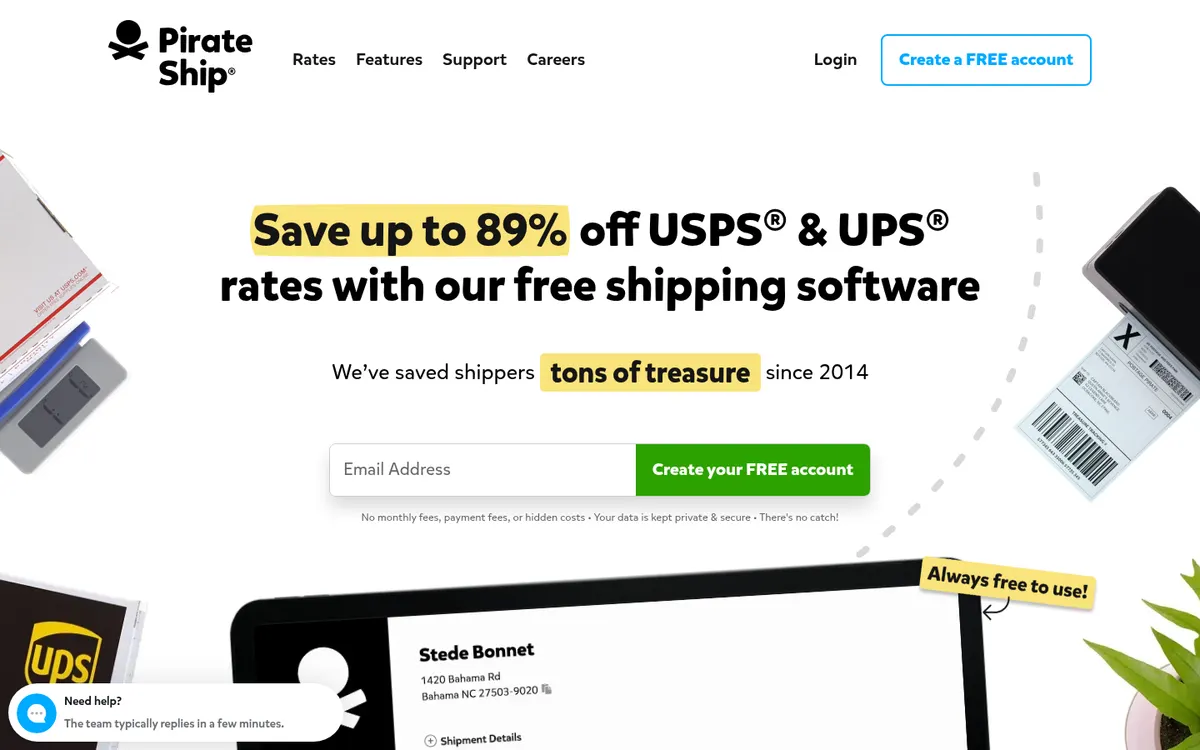
Pirate Ship
Best for low-volume US sellers shipping mainly by USPS and UPS
Our verdict
A no-subscription label printer for USPS and UPS, best for simple domestic shipping and weak on international scope.
Pirate Ship suits low-volume US sellers who ship mainly by USPS and UPS. It focuses on a simple single-screen label workflow, with USPS and UPS label purchase, discounted commercial postage rates, bulk label buying and printing, an address book, shipment history, and return label creation. Setup is fast and the interface is uncluttered, which matters for a seller who prints a handful of labels between other tasks. There is no monthly fee or subscription, so the software does not add a fixed cost to every order.
Pricing is on the vendor site, and no subscription is needed. For this update, the page fetch returned no content, so no specific figure was confirmed, and none is guessed here. The working model is postage paid per label rather than a platform subscription. That can be attractive for a domestic seller whose volume would not justify a paid shipping platform. It also means the cost profile changes with carrier rates, not with a software tier.
Strengths are no monthly fee, quick setup, and discounted USPS and UPS rates. Weaknesses are carrier coverage limited to USPS and UPS, basic reporting and automation, and support that can be slower than on paid platforms. It fits a US seller shipping domestic orders without FedEx, DHL, or regional carriers. It does not fit a cross-border seller needing customs documents, duty calculation, or a broad courier network.
For a simple store, Pirate Ship is a strong first alternative to test. The risk is scope: as soon as you need international shipping, advanced automation, or warehouse inventory, you will need a second system. Check whether your carrier mix is genuinely USPS and UPS only, and whether basic reporting is enough for tax and accounting. If both answers are yes, the no-subscription model is hard to beat on simplicity.
What works
- No monthly subscription
- Fast, uncluttered setup
- Discounted USPS and UPS rates
What to weigh
- Only USPS and UPS coverage
- Basic reporting and automation
- Support can be slower
Pick it if
You ship domestic USPS and UPS orders at low volume and want no monthly subscription.
Skip it if
You need FedEx, DHL, international customs, duty calculation, or advanced reporting.
Plate 04 of 08
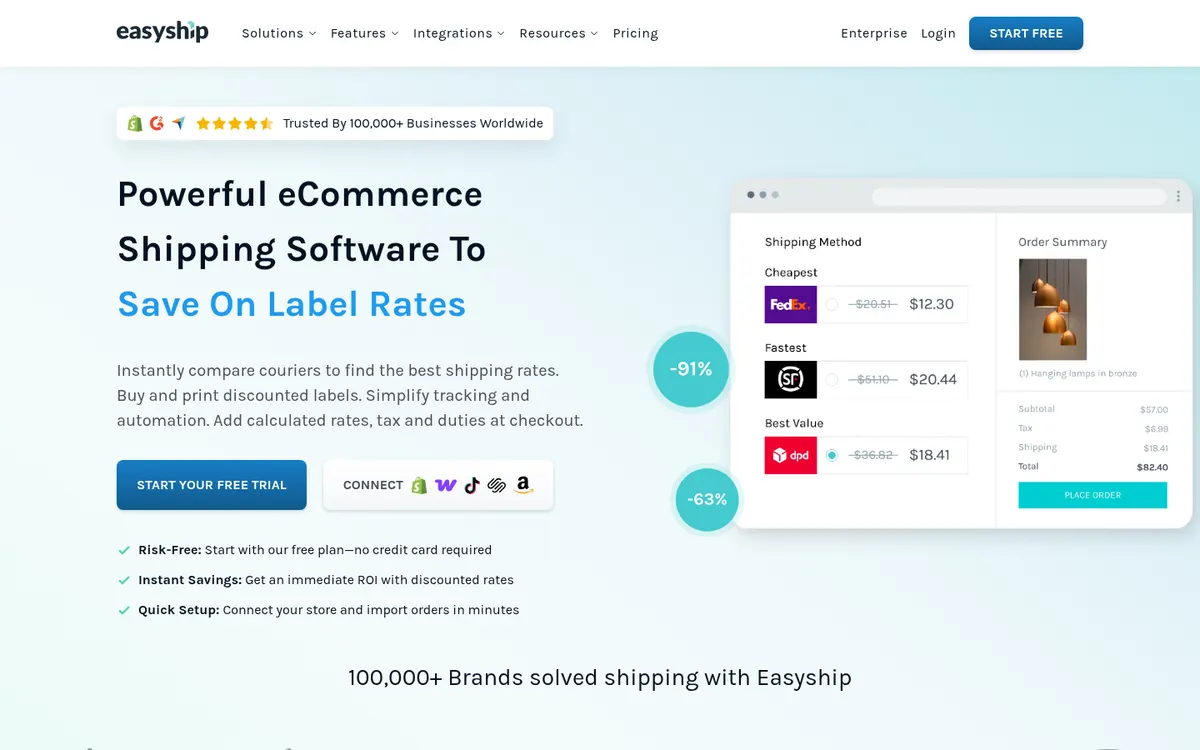
Easyship
Best for cross-border sellers needing couriers, customs, and duties
Our verdict
The best cross-border fit here for customs and duties, with per-label fees and reporting depth to weigh.
Easyship fits cross-border sellers who need couriers, customs documents, and duty handling in one place. It compares rates across a large courier network, automates customs documentation, calculates tax and duty at checkout, and can show live shipping rates to buyers. It also supports own-carrier account connection, batch label processing, and shipment tracking in one dashboard. Those features matter when an international order can fail at customs rather than at the warehouse.
Pricing is on the vendor site. The supplied check returned no content, so no current figure is confirmed here. The free plan covers a limited number of shipments, with paid tiers stepping up by volume. One tier has been listed at $29 per month, but that figure should be confirmed before switching. A small per-label fee also applies to own-carrier labels, so a seller using negotiated carrier accounts should model that fee into the effective cost per order.
Strengths are broad international courier coverage, customs forms and duty handling that reduce delivery surprises, and checkout rate display that supports conversion on cross-border orders. Weaknesses are the per-label fee on own-carrier labels, reporting depth that trails some rivals, and paid tiers that rise with shipment volume. It suits cross-border sellers needing couriers, customs, and duties. It does not suit a domestic US seller whose main need is the cheapest possible USPS label.
The main buying question is lane coverage. A broad courier network is useful only if it covers the destinations and services you sell. Ask for rates to your top five countries, confirm who handles duty and tax, and test a batch of international orders before committing. If customs paperwork is the bottleneck, Easyship is a better fit than a label-only tool. If you ship domestically at low volume, its strength is wasted.
What works
- Broad international courier network
- Customs and duty handling
- Checkout rate display
What to weigh
- Per-label fee on own-carrier labels
- Reporting depth trails rivals
- Paid tiers rise with volume
Pick it if
You ship cross-border and need customs documents, duty calculation, and a broad courier network in one workflow.
Skip it if
You ship domestic USPS labels only and want the lowest fixed cost.
Plate 05 of 08
Ordoro
Best for sellers combining shipping with inventory and dropshipping
Our verdict
A broad shipping, inventory, and dropshipping system that costs more and takes longer to set up than label tools.
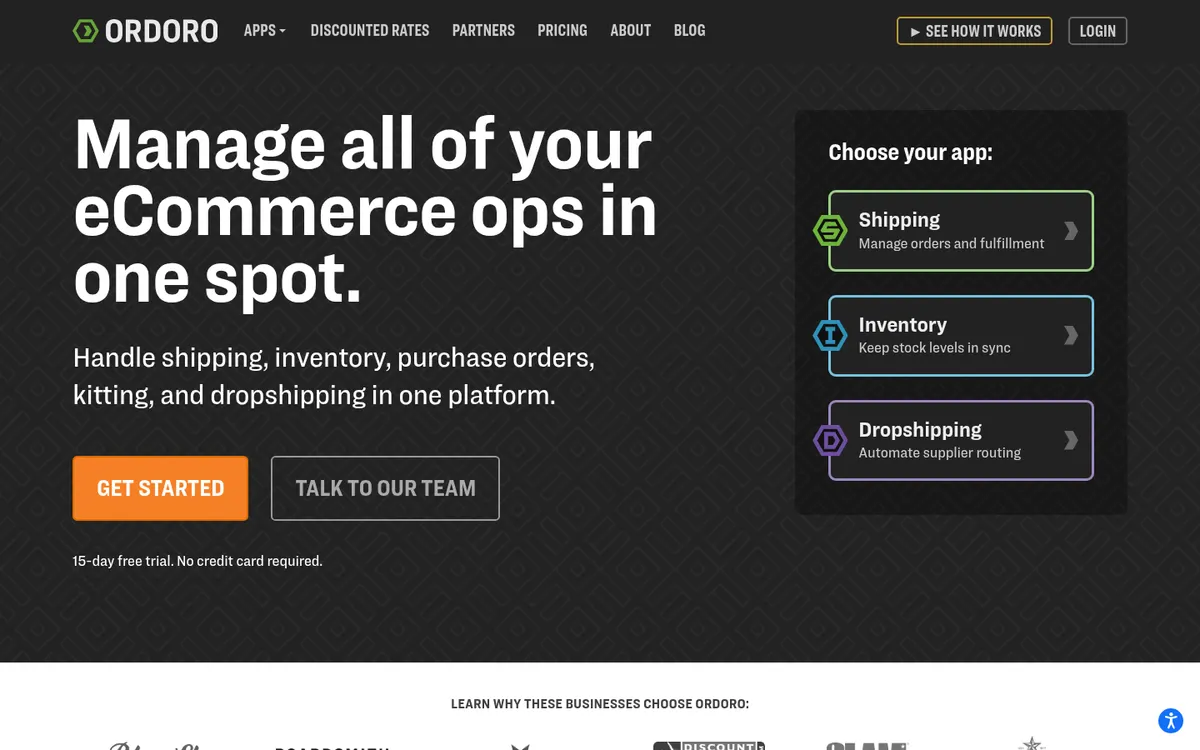
Ordoro fits sellers who combine shipping with inventory and dropshipping. It offers multi-carrier label printing, inventory tracking across locations, dropshipping and supplier management, vendor portals for direct supplier fulfillment, automation rules for shipping details and routing, order sync from sales channels, and purchase order and stock replenishment tools. That breadth is the point: a seller can manage stock, suppliers, and labels without stitching together separate systems.
Pricing starts at $59 on the Essential plan, per month, with 100 labels and 1 user. A free Shipping plan exists, and a 15-day free trial requires no card. The entry price is higher than a label-only tool, and key inventory and dropshipping tools sit on higher plans or add-ons, so the advertised start price is not the full cost of the inventory workflow. The pricing structure is also less transparent than flat-rate rivals. Confirm which features sit on which plan before committing.
Strengths are shipping, inventory, and dropshipping in one system, automation rules that remove manual order handling, and supplier portals that support dropship workflows. Weaknesses are gated inventory tools, longer setup than label-only tools, and a pricing structure that takes work to understand. It fits sellers combining shipping with inventory and dropshipping. It does not fit a seller who only prints labels and wants the simplest, cheapest screen.
The trade-off is operational depth versus speed. Ordoro can replace a spreadsheet, a supplier email chain, and a label tool, but it asks for more setup and a clearer process. If you carry stock across locations or rely on suppliers to ship direct, that depth can pay for itself. If your main pain is postage cost and label speed, a lighter platform will be easier to run and cheaper to start.
What works
- Shipping and inventory together
- Automation rules cut manual work
- Supplier portals for dropshipping
What to weigh
- Key tools sit on higher plans
- Longer setup than label tools
- Pricing is less transparent
Pick it if
You need shipping, inventory, dropshipping, and supplier management in one system and can handle a longer setup.
Skip it if
You only print labels and want the simplest, cheapest tool.
Plate 06 of 08
ShippingEasy
Best for small US sellers wanting light automation and a low entry price
Our verdict
A low-cost domestic option with useful automation, but its carrier and customs coverage will cap international sellers.
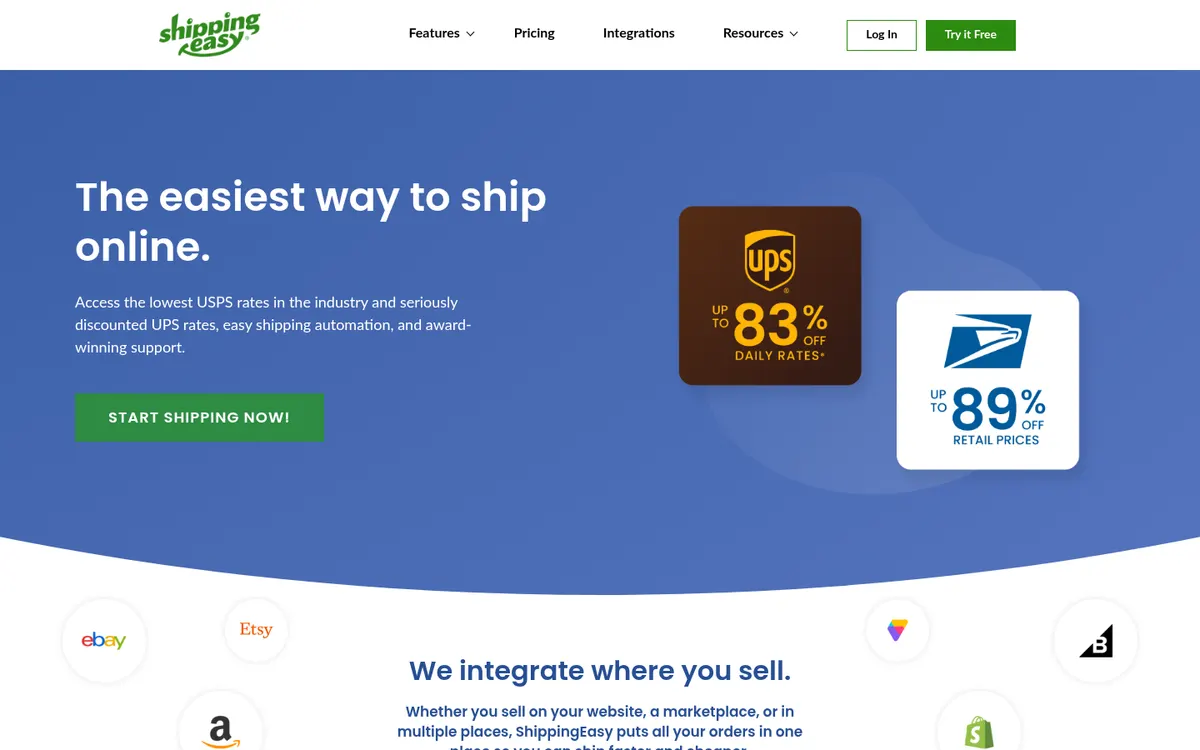
ShippingEasy fits small US sellers who want light automation and a low entry price. It offers discounted USPS and UPS rates, batch label printing, automation rules that sort and prepare orders, order import from major sales channels, shipment and postage reporting, and branded tracking with customer notifications. The automation rules are the useful middle ground: they cut repetitive order handling without requiring a developer or a full warehouse system.
Pricing is on the vendor site, and a free plan is available. The paid entry tier has been listed at $19.99 per month, but the page fetch returned no content, so that figure is unconfirmed here. Plan price climbs with shipment volume, so the entry price will not hold as order count rises. Confirm the current shipment caps on each tier before choosing, because a low headline price can become a higher effective cost per order once you pass the cap.
Strengths are a low entry price for a paid shipping platform, automation rules that reduce manual work, and a free tier that lets a new seller test the workflow. Weaknesses are narrower international carrier coverage and customs depth, volume-based price steps, and a simpler feature set that may not suit large warehouses. It fits small US sellers wanting light automation. It does not fit a cross-border seller who needs duty calculation or a broad courier network.
The buying decision is about ceiling. ShippingEasy is easy to start and has enough automation for a growing domestic store, but it is not a warehouse management system. If you need multi-location inventory, deeper warehouse workflows, or international customs, plan to move later or pair it with another tool. If your orders are domestic, your carrier mix is USPS and UPS, and you want a low monthly start, it is a sensible shortlist entry.
What works
- Low entry price
- Useful automation rules
- Free tier for testing
What to weigh
- Narrow international coverage
- Price climbs with volume
- Simpler than warehouse systems
Pick it if
You are a small US seller who wants light automation, batch labels, and a low entry price.
Skip it if
You need deep international customs support or large-warehouse inventory.
Plate 07 of 08
Veeqo
Best for multichannel sellers wanting free shipping and inventory tools
Our verdict
A free multichannel shipping and inventory core with strong value, tempered by Amazon ownership and variable support depth.
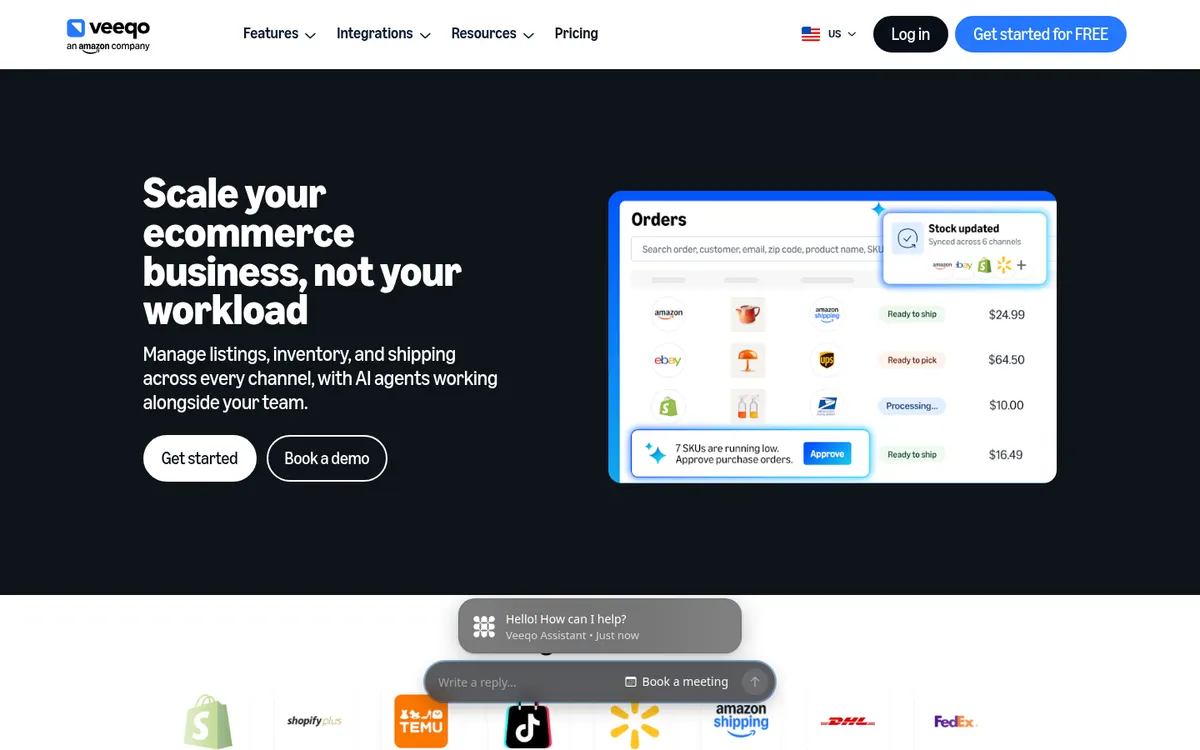
Veeqo fits multichannel sellers who want free shipping and inventory tools. It syncs orders from Amazon, Shopify, eBay, and other channels, prints labels at discounted carrier rates, tracks inventory and stock across channels, and includes purchase order and supplier management. The core Shipping plan has no monthly fee, unlimited users, and unlimited shipments. Shipping rules and order routing help a team split work without buying a per-seat plan.
Pricing is the headline. The free Shipping plan is confirmed, and the paid Inventory plan starts from $19/month. The free model works because revenue is drawn from carrier partnerships and optional services rather than a platform fee. Free terms can change, so check current conditions and support levels. Support and feature depth vary by account type, and Veeqo is an Amazon-owned product, which may concern some sellers who want distance from Amazon.
Strengths are no platform fee for the core shipping and inventory product, multichannel sync that keeps stock aligned across marketplaces, and inventory features usually reserved for paid tools. Weaknesses are variable support and feature depth by account type, the Amazon ownership question, and warehouse capability that is shallower than dedicated WMS tools. It fits multichannel sellers watching fixed costs. It does not fit a brand that needs deep warehouse management beyond its inventory tools.
The main check is whether free still fits your channel mix. Veeqo is strongest when you sell on Amazon and at least one other channel, because stock sync is the daily pain. If you need advanced warehouse workflows, the free plan will not replace a WMS. If you need unlimited users and shipments without a monthly platform fee, it is one of the most compelling options in this list. Confirm carrier rate terms and support response before moving live orders.
What works
- Free core Shipping plan
- Unlimited users and shipments
- Multichannel inventory sync
What to weigh
- Support depth varies by account
- Amazon-owned product
- Warehouse tools are shallow
Pick it if
You sell on Amazon and other channels and want free shipping and inventory sync with unlimited users and shipments.
Skip it if
You need deep warehouse management or want to avoid an Amazon-owned platform.
Plate 08 of 08
ShipHero
Best for growing brands running in-house warehouse operations
Our verdict
A warehouse-first platform for growing brands, with annual pricing and implementation depth that small sellers cannot justify.
ShipHero fits growing brands running in-house warehouse operations. It provides warehouse management with inventory locations, pick, pack, and ship workflows, barcode-driven receiving and putaway, marketplace and store order integrations, multi-warehouse stock visibility, shipping label generation inside the warehouse flow, and returns and order exception handling. This is not a label tool with a few extras; the center of the product is what happens between receiving and dispatch.
Pricing is $15,000 on the Core plan, per year, billed annually. There is no free plan, and the trial is demo only. Custom quoting applies above Core, so the published figure is an entry point rather than a ceiling. Implementation timelines run longer than for standalone label platforms, and custom quoting above Core means a buyer cannot compare higher tiers on a simple monthly grid. Confirm the scope of Core, user counts, and integration work before signing.
Strengths are warehouse operations built for throughput, strong marketplace and store integrations, and the ability to handle higher daily order volumes. Weaknesses are custom quoting above the published Core tier, longer implementation, and excess capability for a seller printing a few dozen labels weekly. It fits growing brands with in-house warehouse operations. It does not fit a small seller who needs a simple label screen and no warehouse workflow.
The decision is about constraint. If warehouse throughput is the bottleneck, ShipHero's depth can justify the annual commitment and onboarding time. If label cost or carrier access is the bottleneck, a lighter platform will deliver value faster. Before buying, map your receiving, putaway, pick, pack, and returns steps, then ask which of those steps are configured in Core and which require custom work. A warehouse system is only as good as the process it enforces.
What works
- Built for warehouse throughput
- Strong marketplace integrations
- Handles higher order volumes
What to weigh
- Quote-only pricing above Core
- Longer implementation
- Excess for small sellers
Pick it if
You run an in-house warehouse and need receiving, pick, pack, ship, and returns in one operational system.
Skip it if
You print a few dozen labels weekly and need a fast, low-cost start.
What does multi-carrier shipping software actually do for an online seller?
Multi-carrier shipping software is the layer between your sales channels and the carriers that move parcels. It imports orders from connected sales channels and marketplaces, compares rates from connected carriers, buys labels, prints them, and sends tracking back to the buyer. Some tools stop at labels, while others add inventory, warehouse workflows, customs documents, duty calculation, and returns. The category overlaps with shipping APIs, warehouse management systems, and order management platforms, so buyers should decide which problem is primary before comparing price.
For a small seller, the main job is simple: connect a store, choose a carrier service, buy a label, and keep postage cost under control. For a developer, the main job is different: embed rates, labels, and tracking inside software without building one integration per carrier. For a brand with a warehouse, the main job is throughput: receive stock, pick, pack, ship, and handle exceptions without losing track of inventory. These are different jobs, and no single platform is best at all of them.
The common building blocks are:
- Rate shopping across carrier services
- Label purchase, reprint, and batch printing
- Tracking updates and customer notifications
- Return label generation
- Store and marketplace order import
- Optional customs, duty, inventory, and warehouse tools
Dashboard-first tools put these blocks in a screen a shipping clerk can use on day one. API-first tools expose them as endpoints for a development team. Some platforms offer both, but the center of gravity usually shows in the interface, onboarding, and pricing model. A dashboard-first product may charge a monthly subscription with label caps; an API-first product may quote by volume and carrier mix. Neither model is automatically cheaper. The right choice depends on order volume, carrier accounts, technical capacity, and whether inventory or customs work sits inside the shipping workflow.
This guide sits in the Software collection. Buyers weighing nearby tools often read the guides to commission software and research platforms next.
How do subscriptions, postage, and label caps shape the real cost?
Pricing in multi-carrier shipping software usually combines a software fee with postage bought at label time. The subscription buys access to the platform, carrier connections, automation, users, and label limits. Postage is billed separately when you print a label, so a free plan does not mean free shipping. Some vendors publish a monthly subscription, some quote by volume and carrier mix, and some earn from carrier partnerships instead of a platform fee.
| Model | How it bills | Typical fit | Example from this list |
|---|---|---|---|
| Free tier plus postage | No software fee up to a label cap; postage billed per label | New stores testing demand | Shippo Free Starter, up to 30 labels per month, 1 user login |
| Flat monthly subscription | Monthly fee with a label allowance and user count | Small to mid-volume sellers | Ordoro Essential at $59 per month, 100 labels, 1 user |
| Free core, paid add-ons | No fee for core shipping and inventory; optional plans add depth | Multichannel sellers watching fixed costs | Veeqo free Shipping plan, unlimited users and shipments; paid Inventory from $19/month |
| Custom quote or API usage | Quoted by volume, carrier mix, or usage; no public tier | Developers and larger operations | EasyPost custom quote; ShipHero Core at $15,000 per year, billed annually |
The table shows why a single price comparison can mislead. A $59 per month plan with 100 labels is not directly comparable to a free plan with 30 labels, and a custom quote can hide both savings and minimum commitments. Ask three questions: what label cap applies, which carriers are included, and whether you can connect your own negotiated carrier accounts. Also ask whether postage, customs fees, duty, and per-label fees sit outside the subscription. For cross-border orders, duty and tax handling can matter more than the monthly fee. Confirm the vendor pricing sheet before signing because volume tiers and overage charges change the effective cost per order.
Every price in this guide was read on the vendor's own pricing page on November 25, 2026. Where a vendor does not publish a figure we could confirm, the card says "See website" rather than a guess. For the arithmetic around this purchase, try the free Email campaign metrics calculator.
Which ShipStation alternative should you shortlist first?
- Map your carrier mix. List the carriers and services you use now, including any negotiated accounts. Carrier coverage decides whether a tool can replace ShipStation at all, and a gap will force a second workflow.
- Set a volume band. Count orders and labels per month, then check label caps on free and entry plans. A free tier with 30 labels suits a test, not a store shipping daily.
- Separate software from postage. Ask whether the plan includes postage or bills it at label time. Shippo states postage sits on top of any subscription, so compare the software fee and the carrier charge separately.
- Test the first ten labels. Connect a store, print a small batch, and compare the actual postage cost with your current setup. Include a return label, because returns often expose gaps in the workflow.
- Check integrations and switching. Confirm Shopify, Amazon, eBay, or WooCommerce support, then ask how order history and tracking export. Run both systems in parallel before cancelling to protect live orders.
- Model the switch cost. Add setup time, staff training, integration work, and any per-label fees to the first-year cost. A free plan can still lose money if the workflow needs outside help.
What mistakes make a shipping platform switch cost more than it should?
- Buying on sticker price alone. A free plan can cost more per order once label caps, per-label fees, and paid add-ons land. Compare the effective cost at your real monthly volume, not at the entry tier.
- Assuming subscriptions include postage. Software plans buy access to labels and automation, not the carrier charge. Shippo's notes say postage sits on top of any subscription, so build postage into the budget separately.
- Ignoring carrier account rules. A platform may support a carrier but still charge a per-label fee on your own account. Easyship lists a small per-label fee on own-carrier labels, so check the rule before assuming savings.
- Skipping the returns and history question. Returns, tracking links, and order history may not move cleanly. Ask how to export data and whether return labels are included before you cancel the old platform.
- Choosing warehouse software for a label job. ShipHero starts at $15,000 per year, billed annually, and needs implementation. A seller printing a few dozen labels weekly will pay for depth it cannot use.
ShipStation Alternatives 2026: questions
Which ShipStation alternatives avoid a monthly fee for basic label printing?
Pirate Ship and Veeqo are the clearest no-monthly-fee options in this list. Pirate Ship charges no subscription for USPS and UPS labels. Veeqo offers a free Shipping plan with unlimited users and shipments, with revenue from carrier partnerships and optional services. Shippo also has a free Starter plan, but it caps labels at 30 per month and one user login. Confirm terms before relying on a free tier.
Do these subscriptions include postage, or is postage billed separately?
Postage is generally billed separately from the software subscription. A plan buys access to rate comparison, label creation, automation, users, and label limits; the carrier charge for each label is added at purchase. Shippo's notes make this explicit, saying postage sits on top of any subscription. Free plans cover software access, not free shipping. Check whether a vendor adds per-label fees on top.
Which platforms let us connect our own negotiated carrier accounts?
Easyship lists own-carrier account connection and charges a small per-label fee on own-carrier labels. EasyPost supports wallet carriers such as GOFO and Veho for teams without their own carrier accounts, and its API spans more than 100 providers. Veeqo and Shippo connect carriers, but the supplied facts do not confirm own-account terms, so ask before switching.
Which option handles international customs, taxes, and duties best?
Easyship is the strongest fit in this list for cross-border customs work. It lists automated customs documentation, tax and duty calculation at checkout, live shipping rates shown to buyers, and a broad international courier network. ShipHero and Ordoro handle warehouse and inventory work but are not positioned around duty calculation. If cross-border is your main constraint, start with Easyship and confirm carrier coverage for your lanes.
How do these tools connect to Shopify, Amazon, eBay, and WooCommerce, and what happens to data when we switch?
Most tools import orders from major sales channels, but each integration list differs. Veeqo lists Amazon, Shopify, and eBay sync. Shippo lists store connection and order import. Ordoro and ShippingEasy list order sync. EasyPost is API-first, so your team builds the connection. On switching, export order history, keep tracking links, and run both systems in parallel before cancelling; returns may stay label-based, so confirm with each vendor.
How is Veeqo free, and when should we choose an API-first platform over a dashboard?
Veeqo's free Shipping plan draws revenue from carrier partnerships and optional services, not a monthly platform fee. Choose API-first platforms such as EasyPost when developers need one integration for rates, labels, and tracking inside custom software. Choose dashboard-first tools such as Pirate Ship, ShippingEasy, or Ordoro when a shipping clerk needs a ready screen. API-first saves integration work but adds build work.