
Contents of this guide
The shortlist
Our top 3 for software buyers

Maze
Figma prototype testing
- Best for
- Rapid prototype testing for design teams
- Features
- 4 noted: Figma import, Unmoderated tests, Path metrics, Card sorting

Hubble
AI moderated interviews
- Best for
- All-in-one research with AI and human moderated interviews
- Features
- 4 noted: AI interviews, Moderated sessions, Free plan, Card sorting

Lyssna
Method mix
- Best for
- Fast unmoderated tests across many methods
- Features
- 4 noted: First-click tests, Five-second tests, Panel, Free plan
Disclosure for this guide. All 10 tools here are unpaid editorial picks. The position of a paid listing can be part of what the vendor pays for. Paid and unpaid tools are scored on the same rubric and keep their cons. Details are in the advertising disclosure.
The ledger
Index of every tool
| Tool | Free plan | Trial | Rubric | Compare | ||
|---|---|---|---|---|---|---|
| 01 | MazeRapid prototype testing for design teams | $99Starter, per month, 5 seats includedChecked Nov 25, 2026 | Yes, free plan with 1 study per month and 5 seats | No | ||
| 02 | HubbleAll-in-one research with AI and human moderated interviews | FreeFree plan, single seat, 10 responses per month, 1 prototype per studyChecked Nov 25, 2026 | Yes, single seat, 10 responses per month | No | ||
| 03 | LyssnaFast unmoderated tests across many methods | $166Growth, per month, billed annually, 5 seats includedChecked Nov 25, 2026 | Yes, 3 seats and 15 self-recruited responses | No | ||
| 04 | LookbackLive moderated interviews with observer participation | $299Freelance, billed yearly, 10 sessions, solo seatChecked Nov 25, 2026 | No | Yes, 5 sessions free for 60 days | ||
| 05 |  UXtweakBroad all-in-one research method coverage | €120Business, per month, billed annually at 1 429 € per year, 1 seatChecked Nov 25, 2026 | Yes, 15 self-recruited responses per month, 1 seat | No | ||
| 06 |  Optimal WorkshopInformation architecture testing and card sorting | See websiteNot published | No | No | ||
| 07 |  UserbrainQuick unmoderated video usability tests | See websiteNot published | No | No | ||
| 08 |  PlaybookUXMixed-method research in one account | $5,400Scale, per year, optional expansion above self-serveChecked Nov 25, 2026 | No | Yes, free trial of the Grow plan | ||
| 09 |  UseberryPrototype and live website testing | See websiteNot published | Yes | No | ||
| 10 |  DscoutDiary studies and longitudinal qualitative research | See websitecustom quoteCustom quote | No | No |
Prices are the lowest paid plan the vendor shows, read on November 25, 2026. Sort by price ranks published monthly figures; tools without one go last. Pin up to three tools to compare them side by side.
How this guide was put together
We scored each tool against the same five criteria and weighted them by what buyers actually ask about when they shortlist in this category. Method breadth carries 25 percent, because most teams end up needing more than one research method within a quarter. Prototype workflow, pricing clarity, and recruitment each carry 20 percent, since speed of setup, a published price, and access to participants decide whether a study ships at all. Analysis depth takes the remaining 15 percent, which reflects how much of the real work happens after the sessions end.
Scores run from 1 to 10 per criterion and describe the tool as it stands today, not its marketing. A high score on pricing clarity means a public figure or a usable free tier, not a cheap list price. A high score on recruitment means both a panel and a way to bring your own users.
Prices, plans, free tiers, and trial terms were read from vendor pricing pages on November 25, 2026. Where a page did not load or returned a login screen, no figure is quoted and the review says so. Currencies appear as the vendor states them and are never converted. Plan details, such as seat counts and billing terms, come from those same pages.
The order of this list is editorial. It reflects fit for the buyer each entry describes, with the highest entries going to tools that solve a common problem with the least friction. Any entry marked Featured is a paid placement and was scored with the same rubric, including the same cons list, as every other tool.
Read the cons before the pros. In this category the limits, panel costs, seat counts, and quoting practices, decide whether a plan works more often than the feature list does.
The full process, including how we handle corrections, is on the methodology page. Paid listings follow the advertising disclosure.
Rubric and weights
Every tool below is scored from 1 to 10 on these five criteria. The scores describe each tool; the order is an editorial call on fit for the buyer each card describes, plus the disclosed Featured position.
- 25%Method breadthHow many research methods a team can run without buying a second tool.
- 20%Prototype workflowHow quickly a design file becomes a live task-based test with usable output.
- 20%Pricing clarityWhether a published price, a free tier, or a trial lets a buyer start without a sales call.
- 20%RecruitmentWhether the tool supplies a participant panel, supports self-recruitment, or both.
- 15%Analysis depthHow much of the work after the sessions the platform handles, from charts to themes.
Plate 01 of 10
Maze
Best for rapid prototype testing for design teams
Our verdict
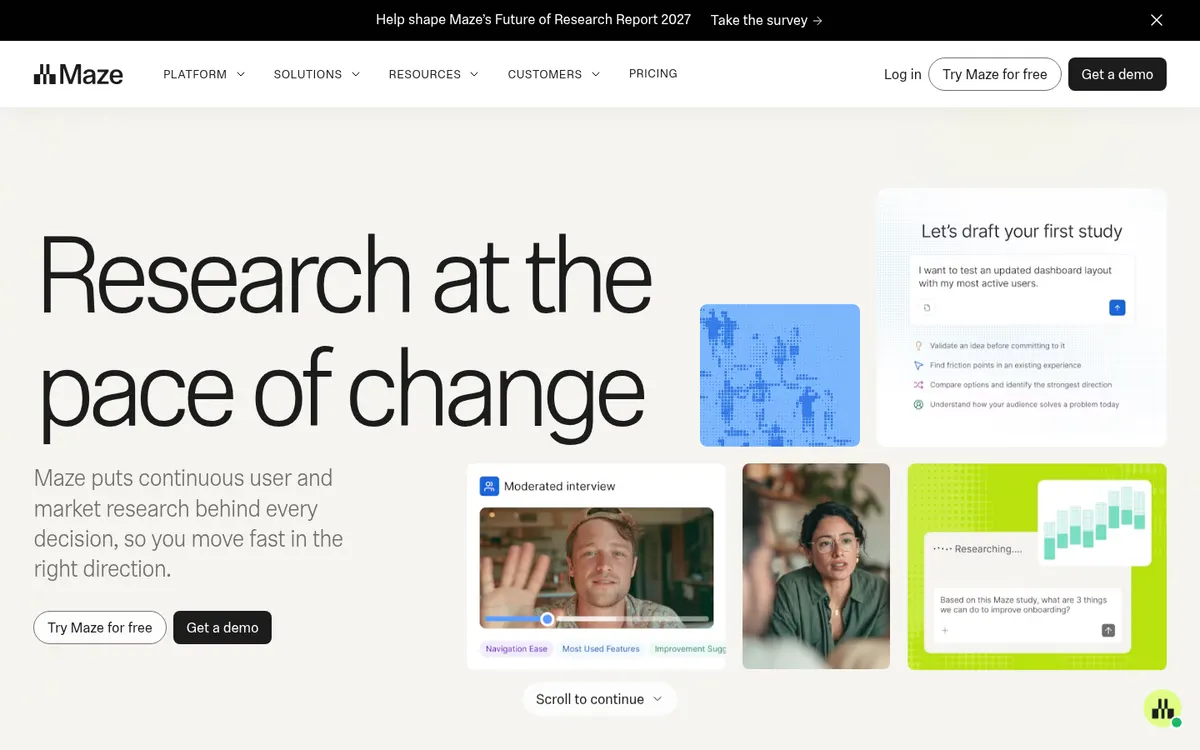
Best for design teams that want Figma prototype tests live quickly, with numbers stakeholders accept without a long explanation.
Maze earns the top slot for one reason: it turns a Figma prototype into a task-based unmoderated test quickly. You import the file, write the tasks, mark the success paths, and share a link. Results arrive as task success rates, misclicks, and path visualizations, which is the kind of evidence that survives a stakeholder meeting without a lengthy walkthrough of methodology.
The method mix goes wider than prototypes. Surveys, card sorting, and five-second tests sit in the same account, so a team can run a quick preference check and a full prototype task test without buying another tool or learning another interface. A built-in participant panel handles recruiting, and shareable test links cover self-recruitment from your own users when a panel would bring the wrong audience.
The limits are about depth, not speed. Follow-up is limited compared with live interviews, so you cannot ask a follow-up when someone hesitates at step three, and moderated research is less developed. Teams that need interviews usually pair Maze with something else. Panel fees also sit outside the subscription, which is easy to forget when you budget for a quarter of testing and then discover recruiting is a second invoice.
Pricing starts at $99 per month on the Starter plan, with 5 seats included, and the page does not state the billing term, so confirm that before you sign. A free plan covers 1 study per month with 5 seats, which is enough to judge whether the workflow suits your team. There is no trial, and participant panel costs are billed separately from the subscription.
What works
- Direct Figma prototype import
- Clear task success and path metrics
- Free plan covers 5 seats
What to weigh
- Moderated research is less developed
- Panel fees billed separately
- Billing term not shown on the pricing page
Pick it if
Your team designs in Figma and needs quantitative prototype results fast enough to inform the next sprint.
Skip it if
Your questions need live follow-up, or if a separate panel invoice would break your budget.
Plate 02 of 10
Hubble
Best for all-in-one research with AI and human moderated interviews
Our verdict
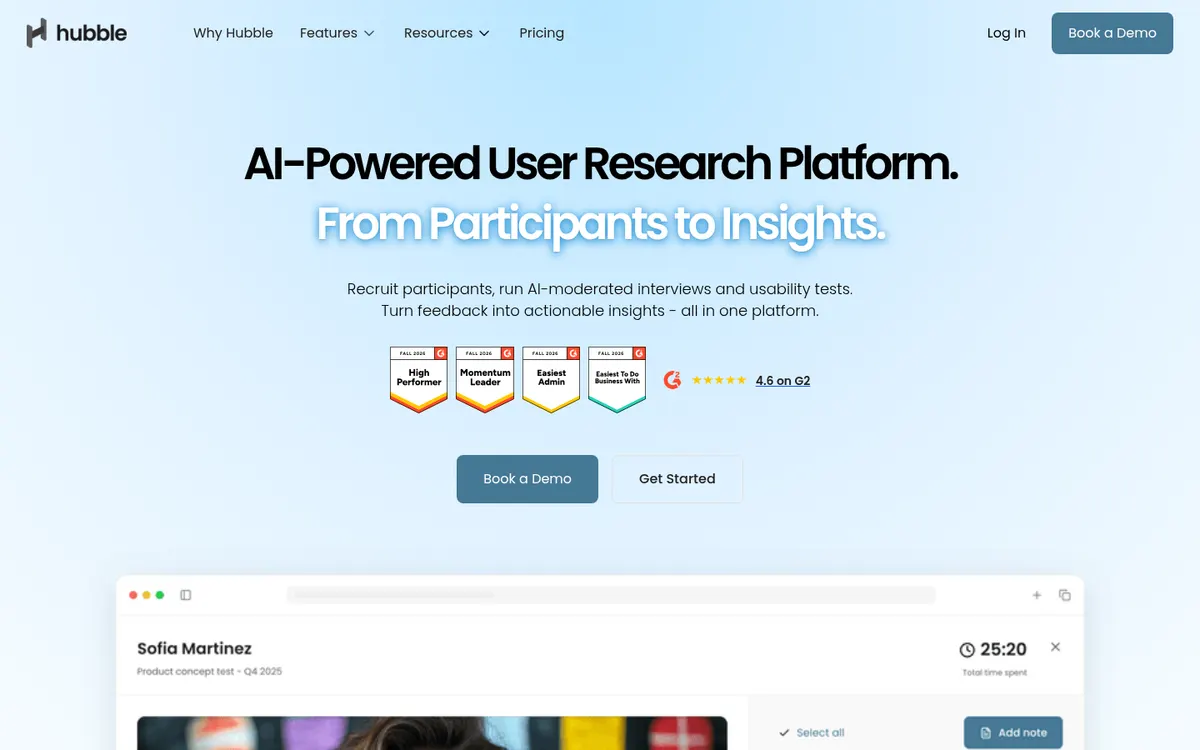
Broad free starting point on the list, with a clear path from a small test to AI-moderated and human-moderated interviews.
Hubble is the broadest free starting point here. The free plan needs no credit card and gives one seat 10 responses per month with 1 prototype per study, which is enough to settle a small design argument before anyone signs a purchase order. From there the product widens rather than narrows: unmoderated tests run on Figma prototypes, live websites, and mobile builds, so the same account covers early concepts and shipped pages.
What separates Hubble from the prototype-testing crowd is the interviewing layer. AI-moderated sessions ask follow-ups by voice and text without a researcher present, and human-moderated interviews add scheduling and recording when a topic needs a real conversation. Surveys, card sorting, tree testing, and preference tests fill out the method list. Recruitment can come from the vendor panel or from your own users, and AI transcription, tagging, themes, and summaries cut the time between sessions and a readout. Figma and MCP-based workflows keep it close to design files.
The catch is where the paid line sits. Moderated studies and external panel recruitment are enterprise features, so the free tier will not carry a mixed-method program at scale. Enterprise pricing is quoted rather than published, which means a sales conversation before you can budget a year. Security buyers do get SSO, role-based access, and SOC 2 Type II documents at that level.
Pricing is simple: a free tier plus a single Enterprise tier with custom pricing. There is no trial, because the free plan does that job. Use it to run one prototype study with your own users before you ask about an enterprise quote, and check whether the moderation features you want sit behind that line.
What works
- Unmoderated, AI-moderated, and human-moderated research
- Free plan with no credit card
- AI transcription, tagging, and themes
What to weigh
- Free plan limited to one seat and 10 responses monthly
- Moderated studies and panel recruitment are enterprise features
- Enterprise pricing is quoted, not published
Pick it if
You want unmoderated tests, AI-moderated interviews, and human interviews from one vendor, starting on the free plan.
Skip it if
You need moderated studies or external panel recruitment now and cannot wait for an enterprise contract.
Plate 03 of 10
Lyssna
Best for fast unmoderated tests across many methods
Our verdict
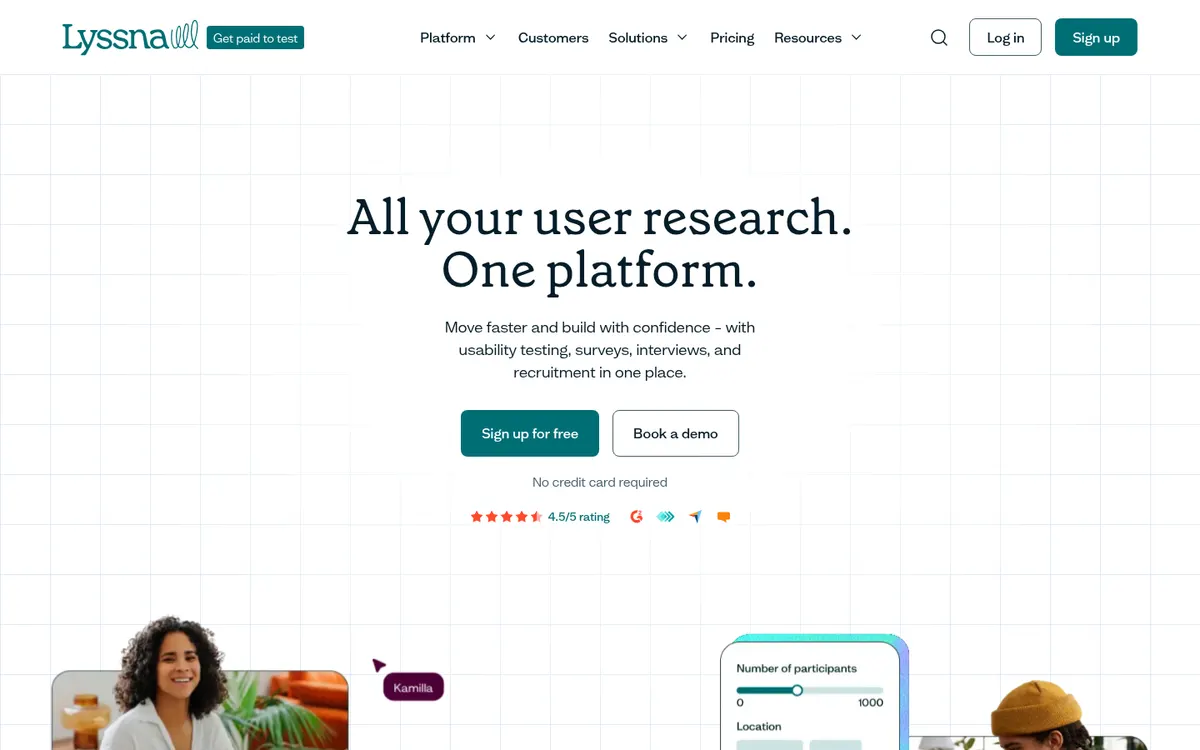
Best for teams that want a spread of quick unmoderated methods and a real panel without a sales call first.
Lyssna, formerly UsabilityHub, is the pick for teams that want a spread of quick unmoderated methods under one login without a sales call. First-click tests, five-second tests, preference tests, card sorting, surveys, and recorded usability tests all live in the same account, and each one is quick to set up. The recorded tests add recorded sessions when a click map leaves the obvious question unanswered.
Recruitment is the second reason it appears here. Panel recruitment is built in, and self-recruitment through shared links covers teams that already have a user list or a customer community. That combination is useful at the lower end of this market, where tools may push you toward one sourcing method or charge extra for the other. Switching between the two inside one account makes it easy to pilot a question on your own users and then confirm it on a broader panel.
The trade-offs are depth and price. Analysis is simpler than what enterprise suites offer. The Growth tier is also steep for a solo researcher. At $166 per month billed annually with 5 seats included, the plan is priced for a small team rather than one person, and higher response limits need paid plans on top of that.
The free plan is genuinely usable for small studies, with 3 seats and 15 self-recruited responses, which covers a pilot before you commit. There is no trial, but the free tier makes one less necessary. Teams that mostly run live interviews should look further down this list, because this is an unmoderated-first product and the analysis reflects that.
What works
- Wide method mix in one account
- Panel and self-recruitment side by side
- Free plan with 3 seats
What to weigh
- Growth plan is steep for a solo researcher
- Analysis is simpler than enterprise suites
- Higher response limits need paid plans
Pick it if
You run a steady stream of quick unmoderated tests and want a panel and self-recruitment in one account.
Skip it if
You are a solo researcher on a tight budget, since the Growth plan includes 5 seats at $166 per month billed annually.
Plate 04 of 10
Lookback
Best for live moderated interviews with observer participation
Our verdict
Best for live moderated interviews where stakeholders need to watch, take notes, and clip moments without interrupting the participant.
Lookback is built around the live session. A researcher runs a moderated interview by video, and teammates join as silent observers who can watch, take timestamped notes, and mark moments without interrupting the participant. Afterward those notes line up against the recording, and highlight clips can be cut for a readout. That observer workflow is the reason teams choose it over cheaper unmoderated tools that produce a number but no reasoning.
The product also covers unmoderated studies with screen and voice capture, and it keeps recordings, transcripts, and clips in a shared research repository. So a study is not lost when the researcher who ran it moves to another project. For organizations running a steady cadence of interviews, that repository is worth more than any single test feature, because the alternative is a folder of links nobody can search.
The limits are practical. There is no free plan, and recruitment depends on integrations or your own sourcing, so teams without a participant pipeline need to solve that separately. Participant incentives are a separate cost on top of the subscription. Team plans also rise quickly once you add seats, which matters when observers and note takers need their own logins rather than passing one around.
Pricing starts at $299 per year on the Freelance plan, billed yearly, with 10 sessions and a solo seat included. That structure suits a single researcher running a handful of studies, not a team. A free trial gives 5 sessions over 60 days, which is long enough to test the observer workflow on a real project with real stakeholders before you commit to a yearly plan.
What works
- Silent observer mode for stakeholders
- Timestamped notes tied to recordings
- Repository for recordings and clips
What to weigh
- No free plan
- Recruitment relies on integrations or your own sourcing
- Team costs rise quickly with seats
Pick it if
Stakeholders need to watch sessions live and you want timestamped notes attached to recordings.
Skip it if
You have no participant pipeline or need a free plan before you can commit.
Plate 05 of 10
UXtweak
Best for broad all-in-one research method coverage
Our verdict
Broad method menu on the list, with onsite recruiting that turns your own site visitors into study participants.
UXtweak has a broad method menu. Website and mobile usability testing, prototype testing, card sorting, tree testing, surveys, preference tests, session recording, and recruitment all sit inside one account, and the panel reaches participants in many countries. Teams that keep discovering new research questions mid-quarter tend to like it, because a new method does not mean a new purchase order and a new onboarding session.
Onsite recruitment is the feature that stands out. It can turn visitors on your live site into study participants, which is useful when you want reactions from people who are actually shopping or reading, not a panel that has already seen forty similar sites this month. Prototype testing covers the usual design workflow, and session recording gives you raw material when a metric looks odd and nobody can explain why.
The cost of that breadth is setup time. The interface carries a lot of tools, and a first study takes longer to launch than it does in a single-purpose product like Userbrain or Maze. Pricing pages list several tiers, so comparing them takes a careful read rather than a glance, and it helps to know which methods you actually plan to run. Because the product does many things, it is less focused than tools that do one thing well, and a team that only runs quick prototype tests may pay for capability it never opens.
Pricing starts at €120 per month on the Business plan, billed annually, with 1 seat included. A free starter plan covers 15 self-recruited responses per month on one seat, which is a fair way to test the workflow on your own users. There is no trial, so the free tier is the trial, and it is worth spending a week in it before you move to the paid plan.
What works
- Many research methods in one suite
- Onsite recruiting from live traffic
- Free starter plan
What to weigh
- Longer first setup because of the tool count
- Several tiers to compare on the pricing page
- Less focused than single-purpose tools
Pick it if
You want card sorting, tree testing, prototype tests, and onsite recruiting under one login.
Skip it if
Your team only runs simple prototype tests and you want the shortest possible setup.
Plate 06 of 10
Optimal Workshop
Best for information architecture testing and card sorting
Our verdict
Best for information architecture work, with card sorting and tree testing reports that settle navigation arguments with evidence.
Optimal Workshop is the specialist here, and the specialization is information architecture. Card sorting and tree testing are the core, and the reports that come out of them are clear for anyone who has to argue about navigation with a skeptical product owner. Success rates and navigation paths are presented in a way that answers the question you actually asked, rather than handing you a raw spreadsheet and wishing you luck.
The platform has grown beyond those two methods. Prototype testing, surveys, and interviews are now included, and a large participant panel handles recruitment when you do not have your own list. Quantitative information architecture reports are a core strength, because the output is easy to compare across quarters as a navigation structure changes.
Two limits matter. Video-based usability testing is not the strength here, so teams that mostly watch people struggle through a checkout flow will find better fits near the top of this list. The product is also heavier than a simple test needs, and the entry price is aimed at teams rather than casual users, which puts it out of reach for a solo researcher running one study a quarter.
Pricing is on the vendor site. The pricing page returned a login screen on the check date, so no figure is quoted here and no plan detail is repeated. There is no free plan and no trial, which raises the stakes on getting the evaluation right before you buy. Ask the vendor to run one live card sort with your own content, so you see the report format before the invoice.
What works
- Strong card sorting and tree testing
- Large participant panel
- Clear quantitative IA reports
What to weigh
- Not the right fit for video usability testing alone
- No free plan and no trial
- Heavier than a simple test requires
Pick it if
Navigation and information architecture are the questions your team keeps arguing about.
Skip it if
Your main need is video usability testing, or if you need a trial before purchasing.
Plate 07 of 10
Userbrain
Best for quick unmoderated video usability tests
Our verdict
Best for getting task-based video feedback back fast, when the question is narrow and the deadline is close.
Userbrain does one thing: task-based unmoderated tests that come back as video. You write the tasks, point the test at a website or prototype link, and participants record their screen and voice while thinking aloud. The vendor says most tests complete within 24 hours, which makes it a practical way to answer a question before a decision meeting rather than a long planning cycle.
The output is deliberately simple. Automated reports pull the sessions together with clips of key moments, so a product manager can watch short clips instead of full recordings. Think-aloud feedback gives you the reasoning behind a misclick, which a click map alone will never explain. Setup is short and there is little to configure, which is the point of the product, and the narrow scope is why it is fast.
The same focus is the limitation. There are no surveys, card sorts, or diary studies, so a team with a mixed research calendar will need a second tool and a second invoice. Moderated interviews are not the focus either, so anything that needs a follow-up question is out of scope. There is also no free plan, which means an evaluation costs money before it produces a single session, and that is a real barrier for a small team testing the waters.
Pricing is on the vendor site. The page did not load on the check date, so no figure is quoted here and no plan detail is repeated. Ask for the current price list and confirm what participant recruitment costs on top of the subscription before you compare it with the fixed monthly plans further up this list. A short pilot with a few participants will tell you whether the report format fits how your team reads research.
What works
- Fast turnaround on video feedback
- Simple setup with little configuration
- Automated reports with clips
What to weigh
- No free plan
- No surveys, card sorts, or diary studies
- Moderated interviews are out of scope
Pick it if
You want task-based video feedback back quickly and do not need surveys or card sorts.
Skip it if
You need a free plan to evaluate, or if moderated interviews are part of your research mix.
Plate 08 of 10
PlaybookUX
Best for mixed-method research in one account
Our verdict
Best mixed-method option for teams that want moderated, unmoderated, and survey work stored in one searchable repository.
PlaybookUX is the mixed-method option for teams that have outgrown a single unmoderated tool but do not want to stitch three vendors together. Unmoderated video tests, moderated interviews, surveys, card sorting, tree testing, five-second tests, and preference tests all sit in one account, and a research repository with tagging keeps the output from disappearing after each study closes. A large participant panel backs the recruitment side.
The repository is the part worth paying attention to. Some tools stop at delivering sessions. PlaybookUX keeps insights tagged and searchable, which matters once a team has run many studies and cannot remember which one covered onboarding. With a large panel behind it, recruiting for a niche audience is less of a project than it is elsewhere, and a research lead can hand a study to a designer without rebuilding the recruiting plan.
Where it gets awkward is pricing. The public site does not list a simple starter price, and the self-serve signup path is unpriced, so a small team cannot budget from the page alone. Some plans include unlimited seats, which changes the math for a large team but not for a pair of researchers. A quote or estimate is needed before you can compare it fairly with the fixed monthly plans near the top of this list.
The entry figure here is $5,400 per year on the Scale plan, which is a team purchase rather than an experiment. A free trial of the Grow plan is available, so ask for that first and run one moderated and one unmoderated study before you commit to an annual contract. Confirm which tiers include unlimited seats, since that detail decides the cost per researcher.
What works
- Moderated, unmoderated, and survey methods together
- Large participant panel
- Tagged research repository
What to weigh
- Self-serve pricing is not listed
- Small teams may pay for unused methods
- A quote is needed before budgeting
Pick it if
You run moderated, unmoderated, and survey research and want the findings stored in one searchable place.
Skip it if
You need a self-serve price before you can start, or if your team only runs one method.
Plate 09 of 10
Useberry
Best for prototype and live website testing
Our verdict
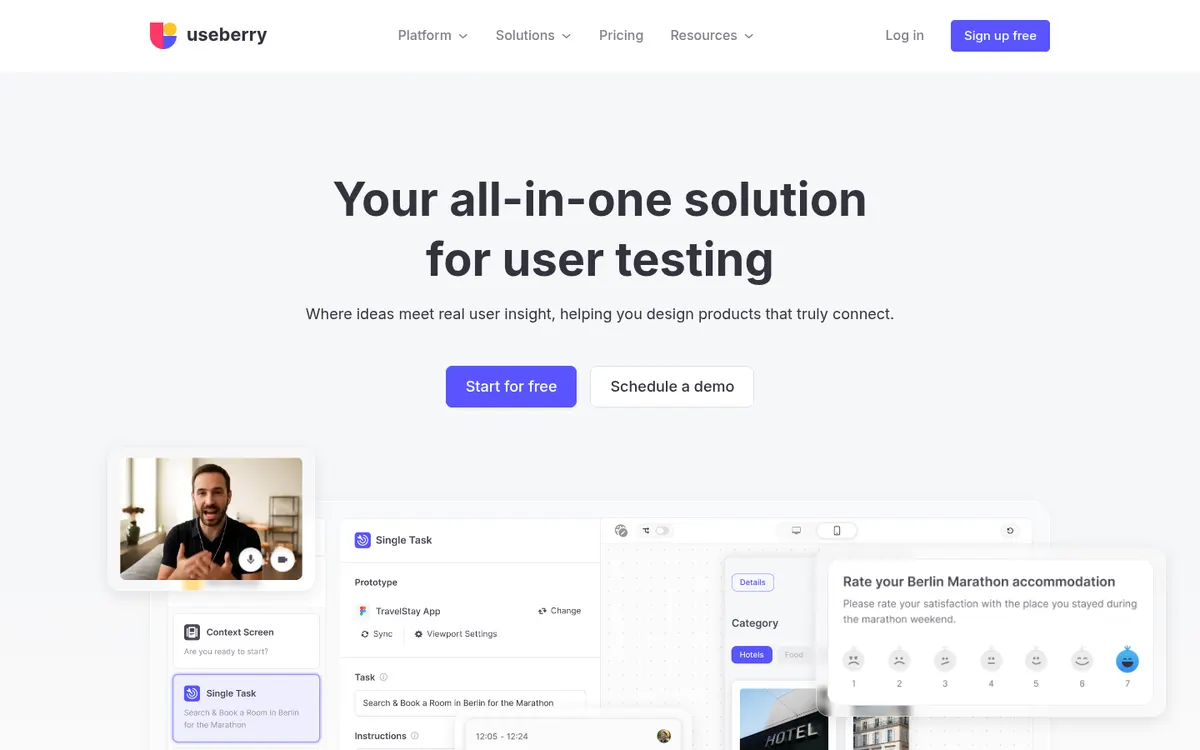
Best for design teams building in Figma or ProtoPie who want prototype tests and live website tests from the same tool.
Useberry is a prototype testing tool first, and that focus shows in the import options. Figma and ProtoPie files come in cleanly, and task-based prototype tests run with session recordings, heatmaps, and click data attached. For a design team that builds in either tool, the path from file to live test is short, which is the main reason teams pick it over a broader suite.
Live website testing is the second string. You can test a shipped page by link or by adding a snippet, which covers the gap between prototype and production without a separate vendor and a separate contract. Card sorting, tree testing, and surveys round out the method list, and free self-recruitment through links keeps panel costs out of the study if you already have an audience that will show up.
The weak spots are live research and panel economics. Live interview features were added later than the prototype tools and are less deep than a dedicated moderated platform, so teams that run regular interviews will end up with a second subscription and a second set of recordings to search. Panel pricing varies by study, which makes budgeting less predictable than a flat plan. Advanced moderated research is simply not the reason to buy this.
Pricing is on the vendor site. The page did not load on the check date, so no figure is quoted here and no plan detail is repeated. A free plan is available, which is the right way to start: run one prototype test on a real file and see whether the recording and heatmap output answers the questions your team actually asks. If it does, confirm panel costs for your target audience before you scale up.
What works
- Figma and ProtoPie import
- Live website testing by link or snippet
- Free plan for initial studies
What to weigh
- Live interview features are less deep
- Panel pricing varies by study
- Advanced moderated research needs another tool
Pick it if
You build in Figma or ProtoPie and want prototype and live website tests from the same tool.
Skip it if
Live moderated interviews are central to your research or you need predictable panel pricing.
Plate 10 of 10
Dscout
Best for diary studies and longitudinal qualitative research
Our verdict
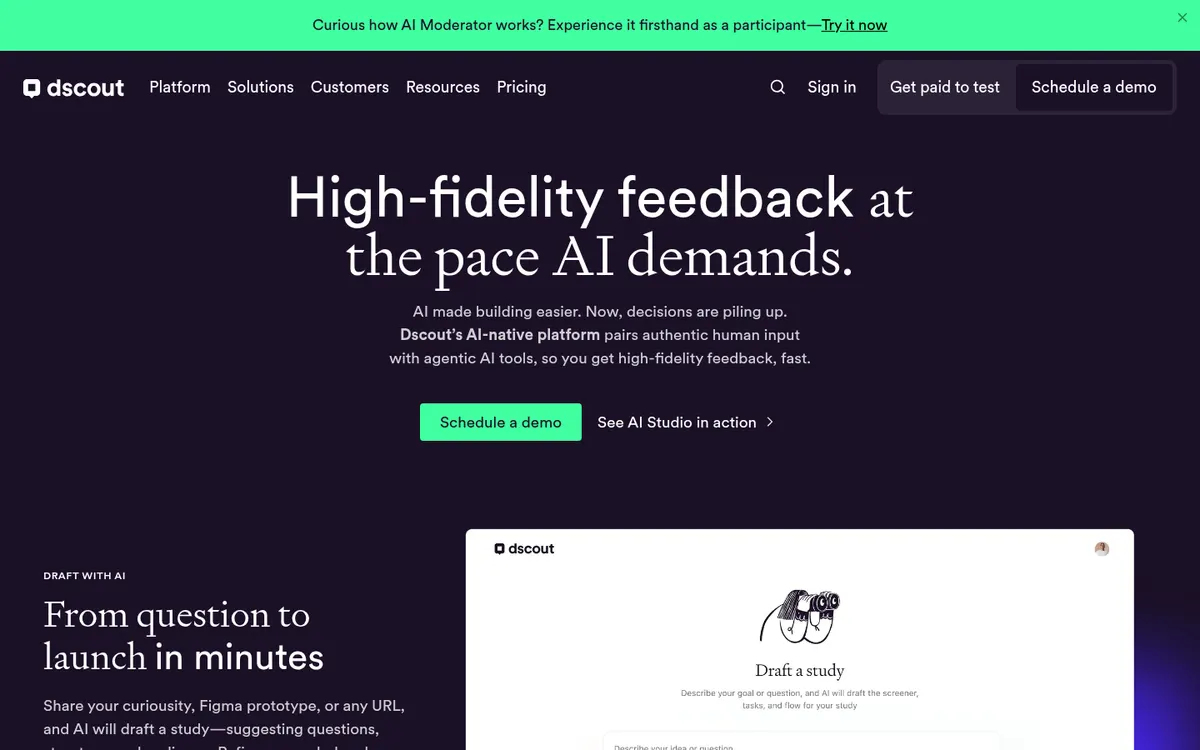
Best for diary studies and longitudinal research, and the wrong tool for a single quick usability test.
Dscout is for research that runs over days or weeks rather than in a single sitting. Participants capture video, photos, and text in the moment through a mobile app, which is how diary studies get real context instead of a recollection reconstructed in a lab later. Live interviews, unmoderated tests, and surveys are also available, so a longitudinal program can finish with a conversation rather than a spreadsheet.
The analysis side is the real differentiator. AI-assisted summaries and theme detection help a team make sense of diary entries, and the qualitative tooling is a core strength. A large participant pool makes it easier to recruit people who will contribute over days or weeks, which is a different recruitment problem from finding someone for a short test and a very different drop-off risk.
It is also the wrong tool for most of the questions on this list. If you need to know whether people can find the checkout button, a $99 monthly plan elsewhere will answer it quickly. Dscout carries an enterprise-style cost structure and custom pricing, so there is no self-serve path and no free plan. Teams buy it when the research question genuinely needs time, context, and repeated input from the same people.
Pricing is custom across the Core, Select, and Enterprise tiers, so budgeting starts with a conversation rather than a page. There is no free plan and no trial. Ask what a single diary study costs end to end, including incentives and analysis time, before comparing it with a monthly subscription elsewhere, and make sure the team has the hours to read the entries that come back.
What works
- Diary studies with in-context mobile capture
- AI summaries and theme detection
- Large participant pool
What to weigh
- Custom pricing only
- Overkill for a single quick usability test
- Enterprise-style cost structure
Pick it if
Your question needs in-context capture over days or weeks, not a short task test.
Skip it if
You need a quick usability answer this week, since pricing is a custom quote.
What is user testing software, and when do you need it?
User testing software puts real people in front of a design, a prototype, or a live site and records what happens. The category covers a wide range, from tools that measure where people click on a five-second screenshot to platforms that run diary studies over days or weeks on a phone. What they share is a workflow: define a task, recruit participants, capture the session, and turn the output into something a team can act on.
The methods fall into a few groups. Unmoderated tests send a participant a link and let them work alone, which scales well and produces numbers. Moderated interviews put a researcher in the room, usually by video, which produces reasoning but does not scale. Surveys, card sorts, tree tests, and preference tests measure structure and opinion rather than behavior. Diary studies capture life as it happens over time.
A short list separates the jobs:
- Prototype validation: can people complete the task on this design?
- Information architecture: does the navigation match how people group things?
- Discovery: what language do people use, and what do they expect?
- Longitudinal: how does a behavior change across a week or a month?
Matching a tool to a job matters more than matching it to a feature list. A team that runs one prototype test a month needs fast setup and a readable report. A team running a continuous research program needs a repository, panel access, and seats for observers, and will pay for all three. The same software can serve both, but not on the same plan.
The category also overlaps with general survey and analytics software. The difference is the task. A survey asks people what they think; a usability test watches what they do. Teams may need both, which is why some tools here have added surveys rather than staying pure. When you compare options, start with the method you use most and check whether the tool does that one thing well before you count the extras.
This guide sits in the Software collection. Buyers weighing nearby tools often read the guides to commission software and research platforms next.
What actually drives the price of a user testing tool?
Prices in this category track seats, responses, and recruitment, not features alone. A tool can look cheap per month and still cost more than a rival once you add participants, seats for observers, or an annual commitment you cannot unwind.
A common model is seat-based subscriptions. You pay monthly for a plan that includes a fixed number of seats and a response or session allowance. Maze at $99 per month on the Starter plan with 5 seats, and Lyssna at $166 per month billed annually with 5 seats, both follow this pattern. The number to check is what happens when a sixth person needs a login.
Annual session bundles suit solo researchers. Lookback sells $299 per year on the Freelance plan, billed yearly, with 10 sessions and one seat. The trade is commitment for a lower effective rate, and it only works if you will actually run ten sessions.
Free tiers are real here. Maze, Hubble, Lyssna, UXtweak, and Useberry all offer some free entry, with limits that vary by vendor. Treat them as evaluation tools rather than production plans, because the caps arrive quickly on a real study.
Custom quotes appear at the top of the market. Dscout prices custom across its tiers. PlaybookUX lists $5,400 per year on its Scale plan while leaving self-serve signup unpriced. For Optimal Workshop, Userbrain, and Useberry, pricing is on the vendor site and no figure was confirmed on the check date.
| Model | How it bills | Typical fit | Example from this list |
|---|---|---|---|
| Free tier | No charge, capped seats or responses | Testing the workflow | Maze, 1 study per month, 5 seats |
| Seat subscription | Monthly, seats and limits included | Small teams | Lyssna, $166 per month billed annually, 5 seats |
| Annual bundle | Yearly, session count fixed | Solo researchers | Lookback, $299 per year, 10 sessions |
| Team annual | Yearly, higher allowance | Research teams | PlaybookUX, $5,400 per year, Scale |
| Custom quote | Negotiated per contract | Enterprise programs | Dscout, custom pricing across tiers |
Whatever the model, budget for incentives. They can sit outside the subscription.
Every price in this guide was read on the vendor's own pricing page on November 25, 2026. Where a vendor does not publish a figure we could confirm, the card says "See website" rather than a guess. For the arithmetic around this purchase, try the free Email campaign metrics calculator.
Which user testing tool should you shortlist?
- Name the research question first. A question about whether people can complete a task points to unmoderated tools like Maze, Lyssna, or Userbrain. A question about why they hesitate points to a moderated tool such as Lookback.
- Decide who recruits the participants. A built-in panel, as in Maze, Lyssna, UXtweak, Optimal Workshop, and PlaybookUX, removes a scheduling problem. Self-recruitment through shared links keeps costs lower if you already have an audience that will show up.
- Count seats, not plans. Lyssna includes 5 seats at $166 per month billed annually, and Maze includes 5 at $99 per month. Observer seats on moderated studies are what push a small plan into a team plan.
- Use the free tier before you talk to sales. Maze, Hubble, Lyssna, UXtweak, and Useberry all offer free entry. Run one real study rather than a demo, and read the output the way your least patient stakeholder would.
- Budget for incentives and panel fees. Panel costs sit outside the subscription at Maze, and participant incentives are a separate cost at Lookback. A plan that looks affordable can double once participants are paid.
- Ask where the insights will live after the study closes. PlaybookUX and Lookback both keep a searchable repository, and without one a study's findings leave with the researcher who ran it.
Where teams overspend on user testing tools
- Buying for the feature list instead of the method. A team that runs one prototype test a month rarely opens card sorting or tree testing, yet pays for them. Start with the method you use most and add breadth when a real question demands it.
- Forgetting participant costs. Panel fees at Maze and participant incentives at Lookback sit outside the subscription. Budget them in the first spreadsheet, or a plan that fits on paper will not fit at the end of the quarter.
- Assuming a custom quote means enterprise only. PlaybookUX lists $5,400 per year on its Scale plan and offers a Grow trial. Ask for the entry tier before you decide the platform is out of reach.
- Picking a tool with no free entry and no trial. Optimal Workshop and Dscout offer neither, so the first dollar buys an unproven workflow. Where a free plan or trial exists, use it on your own content.
- Ignoring seat creep on team plans. Lookback costs rise quickly as seats are added, and Lyssna includes 5 seats at $166 per month billed annually. Decide early whether observers share a login or get their own.
10 usertesting alternatives to compare in 2026: questions
Which user testing tools offer free plans for small studies?
Five tools here do: Maze, Hubble, Lyssna, UXtweak, and Useberry. Maze gives 1 study per month with 5 seats, Hubble gives a single seat and 10 responses per month with 1 prototype per study, Lyssna gives 3 seats and 15 self-recruited responses, UXtweak gives 15 self-recruited responses per month on 1 seat, and Useberry offers a free plan. All five suit a first study. None carries a continuous program.
Which platforms support self-recruitment versus panel recruitment?
Support varies across the list. Lyssna pairs a built-in panel with self-recruitment through shared links, and UXtweak combines a panel in many countries with onsite recruiting that turns site visitors into participants. Maze and PlaybookUX include panels, with Maze panel fees separate from the subscription. Lookback relies on integrations or your own sourcing, and Dscout brings a large participant pool for longer studies.
When is a participant panel worth paying for?
A panel is worth it when your own audience is too small, too biased, or too slow to schedule. It also helps when you need a demographic you do not have on a list, such as first-time buyers. The trade is cost and familiarity, since panel members have seen many sites. Tools with a panel include Maze, Lyssna, UXtweak, Optimal Workshop, and PlaybookUX; check panel fees separately from the subscription.
Which tools are best for prototype testing?
Maze and Useberry are strong prototype options here. Maze imports Figma prototypes directly and returns task success, misclick, and path data, at $99 per month on the Starter plan with 5 seats included. Useberry imports both Figma and ProtoPie and adds heatmaps, click data, and session recordings. UXtweak and Hubble also cover prototype testing within a broader method set.
How do lower cost alternatives compare with a full research platform?
The difference is usually scope and commitment rather than quality. Self-serve plans such as Maze at $99 per month or Lyssna at $166 per month billed annually get a study live without a sales call. Platforms priced by quote or annual team contract, such as Dscout and PlaybookUX, sell breadth, panel access, and analysis depth. Buy the smaller plan until a real research question demands the bigger one.
How long does setup and data collection take?
Setup is short for unmoderated tools and longer for anything with recruiting. Userbrain says most of its tests complete within 24 hours. Maze, Lyssna, and Useberry can launch a prototype test quickly once the tasks are written. Moderated work waits on scheduling, and diary studies such as Dscout run for days or weeks. A Lookback trial gives 5 sessions over 60 days.